
Figma Make
Generates and iterates on design concepts using AI to accelerate the creative process from idea to high-fidelity prototype.
Description
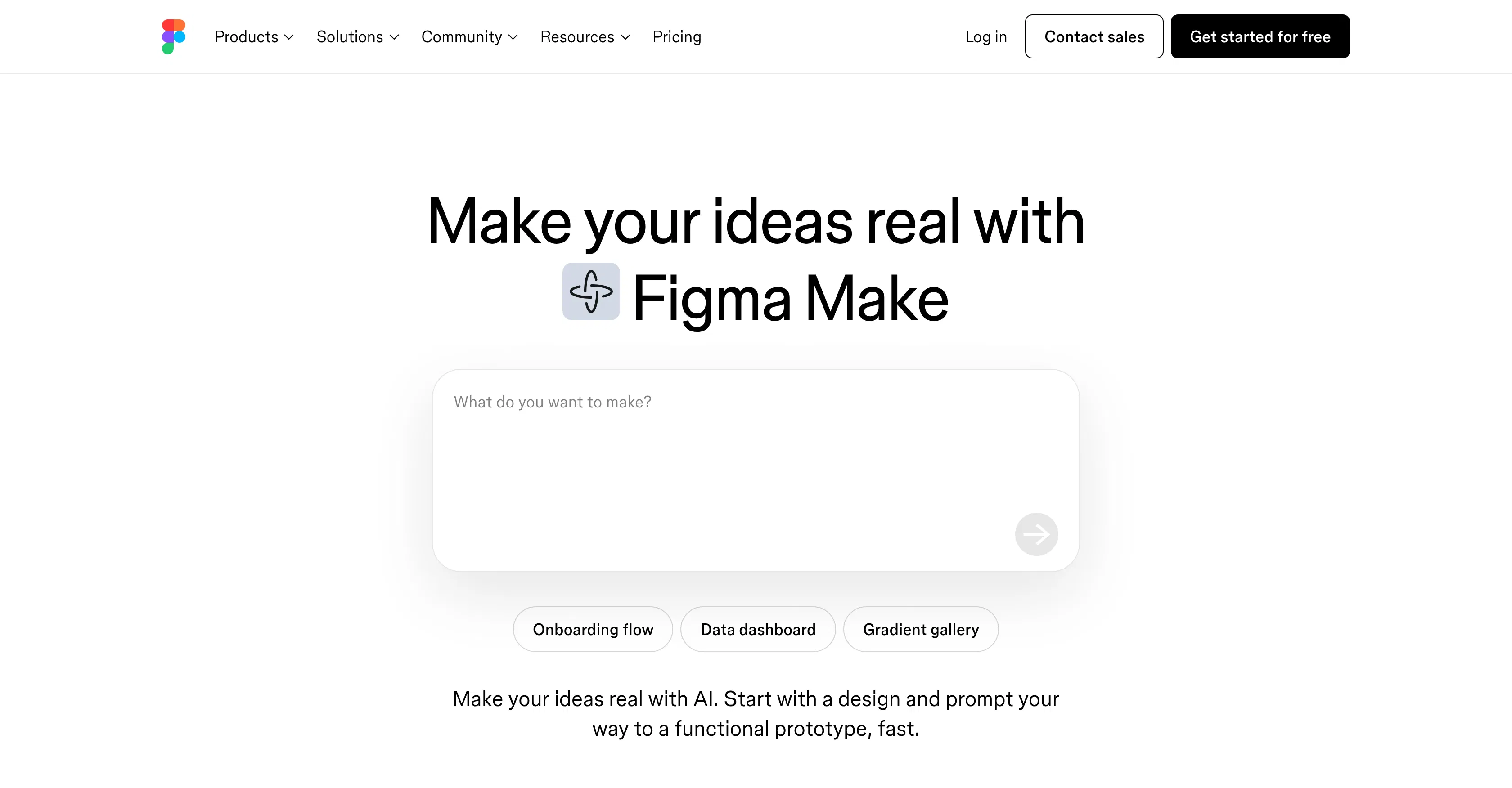
Figma Make is an AI-powered design tool developed by Figma, the collaborative design platform, to streamline the journey from initial concept to polished prototype. Its core value lies in integrating generative AI directly into the familiar Figma workspace, allowing designers to rapidly materialize ideas, explore variations, and refine visuals without constantly switching between disparate tools. This creates a more fluid and accelerated creative workflow where ideation and execution are seamlessly connected.
Key features include the ability to generate UI components, icons, and illustrations from simple text prompts, instantly creating multiple design options for exploration. It offers smart iteration tools that can reimagine selected elements or entire frames based on new directions. The tool also provides AI-assisted layout suggestions and spacing adjustments to improve visual hierarchy and polish. Furthermore, it supports generating copy and placeholder text that aligns with the design context, and it can quickly create high-fidelity prototypes by connecting AI-generated screens with interactive flows.
What sets Figma Make apart is its deep, native integration within the Figma ecosystem, leveraging the platform's real-time collaboration and component library system. The AI operates contextually, understanding the existing design file's structure, styles, and constraints to produce relevant outputs. It is a web-based tool accessible through any modern browser, requiring no local installation, and it works in tandem with Figma's core design, prototyping, and developer handoff features. This tight integration means AI-generated assets immediately become editable vector layers or components within the standard Figma workflow.
Ideal for product designers, UI/UX designers, and design teams looking to drastically speed up the early-stage exploration and conceptualization phases of a project. Specific use cases include rapidly brainstorming and visualizing different app homepage layouts, generating a set of cohesive icons for a new feature, creating multiple stylistic variations for a marketing banner, or quickly building a clickable prototype for a user flow to validate a concept with stakeholders before committing to detailed manual design.
Key Tags
Who It's For
Optimizing workflows
Generating ideas and experiments
No discussions yet.
Be the first to start a discussion!
Info
Best Prompts
No prompts yet. Be the first! Figma Make